

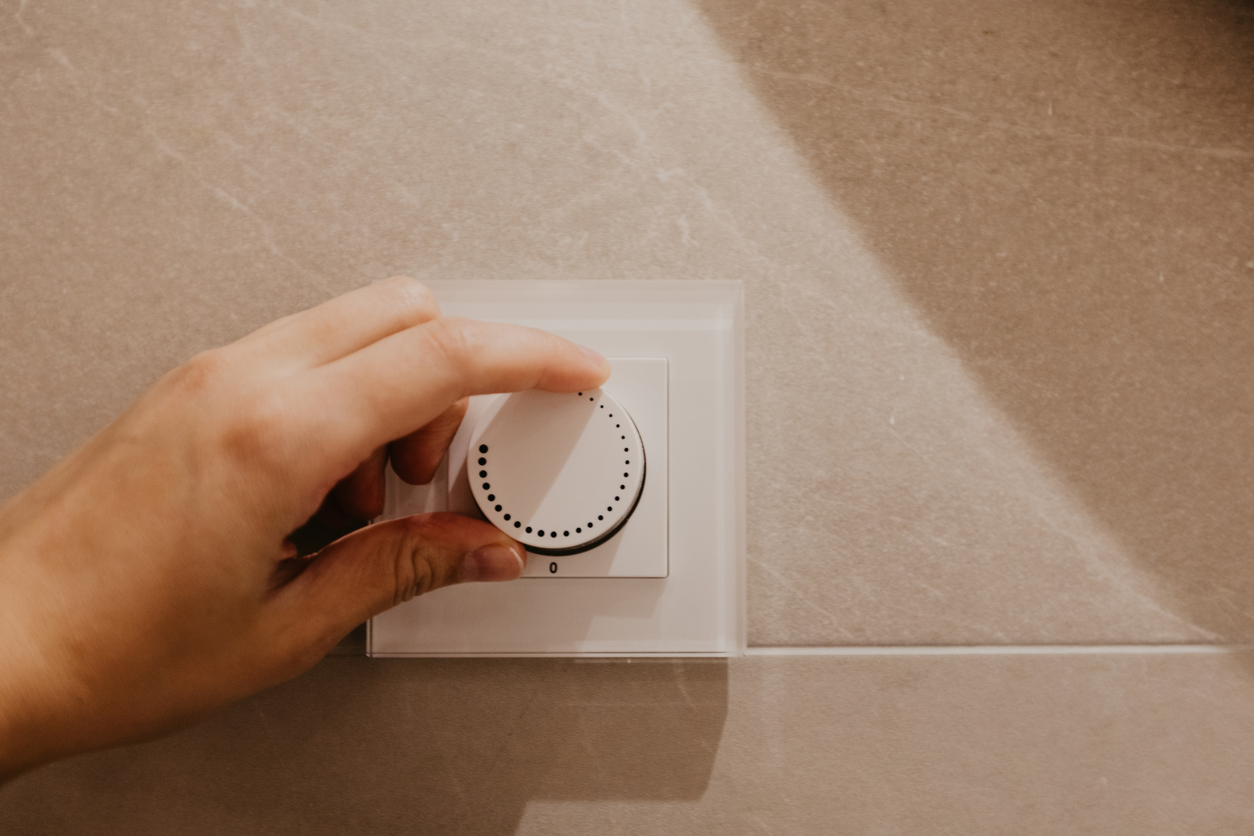
You’re sitting down to dinner one evening when it happens: the dimmer light over your kitchen table starts to flicker. Now what? Most dimmer switch problems come down to one of two things: a bulb that doesn’t match the dimmer, or a dimmer that is worn out or overloaded.
Flickering, buzzing, and lights that won’t dim all have fixable causes, and several are safe to check yourself. Here, our experts cover the most common culprits, simple fixes, and the signs it’s time to call a Houston electrician for dimmer switch installation or repair.
Dimmer Switch Issues at a Glance
- Flickering usually means the bulb and dimmer aren’t compatible, especially with LED bulbs.
- Look for the word “dimmable” on the bulb packaging and check the dimmer’s wattage rating.
- Buzzing, warmth, or loose-feeling parts can point to an overloaded or aging dimmer.
- Always shut off the breaker before removing a faceplate or touching any wiring.
- Burning smells, scorch marks, or a hot switch plate mean it’s time to call a licensed electrician.
Why Is My Dimmer Switch Flickering?
Flickering is the most common dimmer complaint, and it usually has a simple source. The cause is often the bulb, but a loose connection or the wrong type of dimmer can also be responsible.
A Bulb and Dimmer Mismatch
Dimmers control how much power reaches a bulb, and not every bulb responds well to that. LED bulbs draw very little power, so a dimmer built for traditional incandescent bulbs can struggle to regulate them. The result is flickering, flashing, or a bulb that cuts out at low settings.
Loose Wiring Behind the Switch
A loose wire can cause lights to flicker even at full brightness. Over time, connections can come loose due to heat, vibration, or a poor original installation. This is not a DIY job for beginners, since it means opening the switch box and handling live-circuit wiring.
Too Little or Too Much Load
Every dimmer has a minimum and maximum wattage range. If you swapped a few 60-watt bulbs for 8-watt LEDs, the total load may now fall below what the dimmer needs to work smoothly. On the other end, adding bulbs to a fixture can overload the dimmer, causing it to overheat.
Are Your LED Bulbs Compatible With Your Dimmer?
Incompatible dimmer-bulb pairings are among the most overlooked causes of dimmer trouble. A switch that worked perfectly for years can suddenly act up after you switch to LEDs. The dimmer didn’t fail. It just wasn’t designed for the way LEDs use power.
Check the Bulb Packaging First
Not all LED bulbs can be dimmed. Look for the word “dimmable” on the box or the bulb itself. A non-dimmable LED on a dimmer circuit may flicker, buzz, or burn out early.
Check the Dimmer Itself
Many older dimmers were made for incandescent and halogen bulbs. Newer dimmers are labeled for LED or CFL use and handle low-wattage loads better. Here is what to look for on the dimmer’s label or in its manual:
- An LED-compatible or “LED+” rating
- The minimum and maximum wattage range
- The dimmer type, such as standard, low-voltage, or smart
If the bulb is dimmable and the dimmer is old, upgrading the dimmer is often the cleanest fix. Check the manufacturer’s compatibility list for the exact bulb and dimmer models. For more on how LEDs work and what to look for when shopping, the ENERGY STAR LED lighting guide is a helpful resource.
Why Is My Dimmer Buzzing, Humming, or Getting Hot?
A faint hum at certain settings can be normal, especially with some LED and low-voltage setups. A loud or constant buzz is a different story. It can mean the dimmer is overloaded, the bulbs are mismatched, or the switch is wearing out.
A dimmer that feels slightly warm is also normal, since dimmers shed some heat as they work. But a switch that feels hot, discolors the wall plate, or gives off a burning smell needs attention right away. Turn off the circuit at the breaker and call an electrician. Heat at a switch is a fire risk and shouldn’t be ignored.
How Do You Troubleshoot a Dimmer Switch Step by Step?
If the bulbs and dimmer seem compatible on paper, work through these steps in order. They start with the easiest checks and move toward the ones that need more caution.
- Swap in a known dimmable bulb. Test with one bulb that is clearly labeled dimmable to rule out a bad or mismatched bulb.
- Check the total wattage. Add up the bulbs on the circuit and confirm the total falls within the dimmer’s minimum and maximum rating.
- Tighten loose bulbs. A bulb that isn’t seated firmly can flicker on its own.
- Shut off the breaker. Before touching the switch, turn off power at the panel and confirm it’s off with a non-contact voltage tester.
- Inspect the switch. Remove the faceplate and look for loose wires, scorch marks, or melted plastic.
Stop at any point if you see damage, smell burning, or feel unsure. The Electrical Safety Foundation International offers helpful safety guidance for working around home electrical systems.
Dimmer Switch FAQs
Why does my dimmer switch flicker with LED bulbs?
LED bulbs use far less power than incandescent bulbs, and many older dimmers weren’t built to regulate such low loads. The mismatch can cause flickering, flashing, or lights that shut off at low settings. Using a dimmable LED bulb with an LED-rated dimmer usually solves the problem. If the flicker continues with compatible parts, the dimmer or its wiring may need to be inspected.
Is it normal for a dimmer switch to feel warm?
Yes, mild warmth is normal because dimmers give off a small amount of heat during use. The switch should never feel hot to the touch or show discoloration on the wall plate. A burning smell, crackling sound, or hot faceplate means you should turn off the circuit and call an electrician. Those are signs of overloading or damaged wiring.
Can I use any dimmer switch with any light bulb?
No. Dimmers are designed for specific bulb types and wattage ranges, so the bulb and dimmer need to match. Check that the bulb is labeled dimmable and that the dimmer is rated for LED, incandescent, or low-voltage loads as needed. Staying within the dimmer’s wattage range also protects it from overheating. When in doubt, check the manufacturer’s compatibility chart or ask an electrician.
Brighter Fixes for Flickering, Buzzing, and Dead Dimmers
Most dimmer problems trace back to a bulb mismatch, an overloaded switch, or a worn-out dimmer, and many of those are easy to check at home. Start with dimmable bulbs, confirm the wattage range, and always shut off the breaker before opening a switch. If you find heat, damage, or wiring you’re not sure about, a licensed electrician can sort it out safely.
Get Your Dimmer Working Right With Colwell Electric
Skip the guesswork and let our team diagnose and fix your dimmer switch the right way. Call Colwell Electric at 713-849-4427 or contact us online to schedule service.